


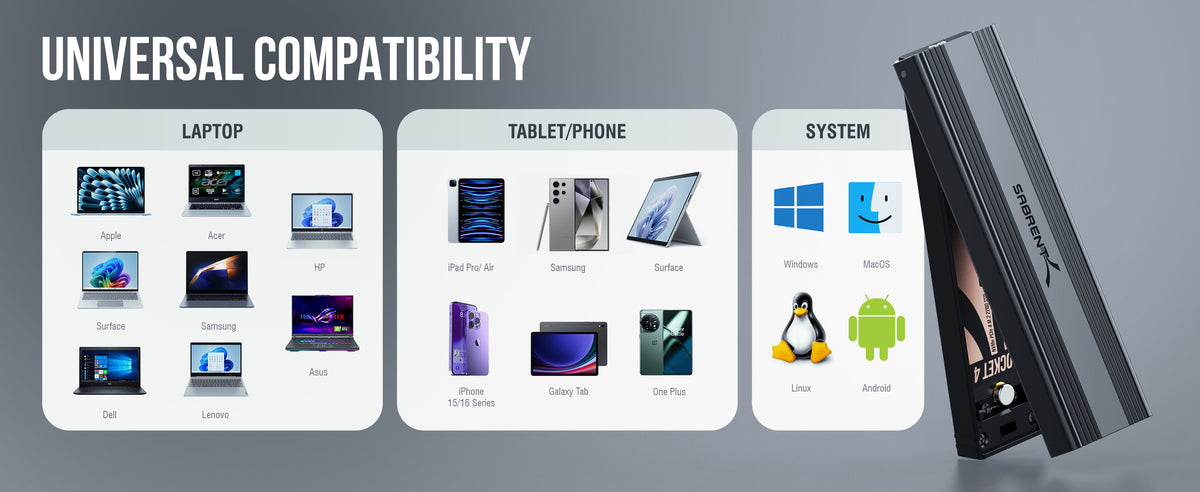
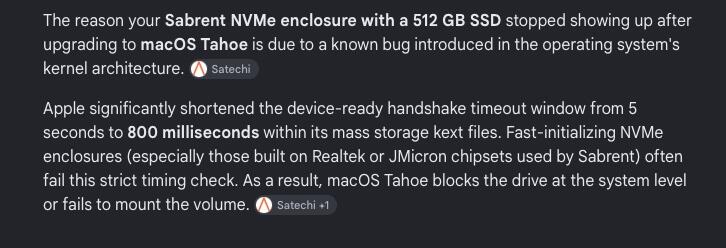
Firstly, this is a first class piece of kit, compact, fast and quality construction. However, after upgrading to Mac OS Tahoe (after constant Apple pop-up pestering) the drive is no longer visible on the OS. I have determined after investigation that this is due to a known bug introduced in Tahoe's kernel architecture and nothing to do any deficiency in the Sabrent device. Apple significantly shortened the device-ready handshake timeout window from 5 seconds to 800 milliseconds within its mass storage files. Fast initialising NVMe enclosures fail this strict timing check. As a result Mac OS Tahoe blocks the drive at the system level or fails to mount the device. I emphasise there is nothing wrong with the volume itself. It is visible at a system level, but remains inaccessible. Pointless chasing Apple for this. they will do nothing about it until Golden Gate is finally released and even then maybe. I ought to have stuck with Sequoia and stuffed the useless wallpaper that is Tahoe. My mistake.
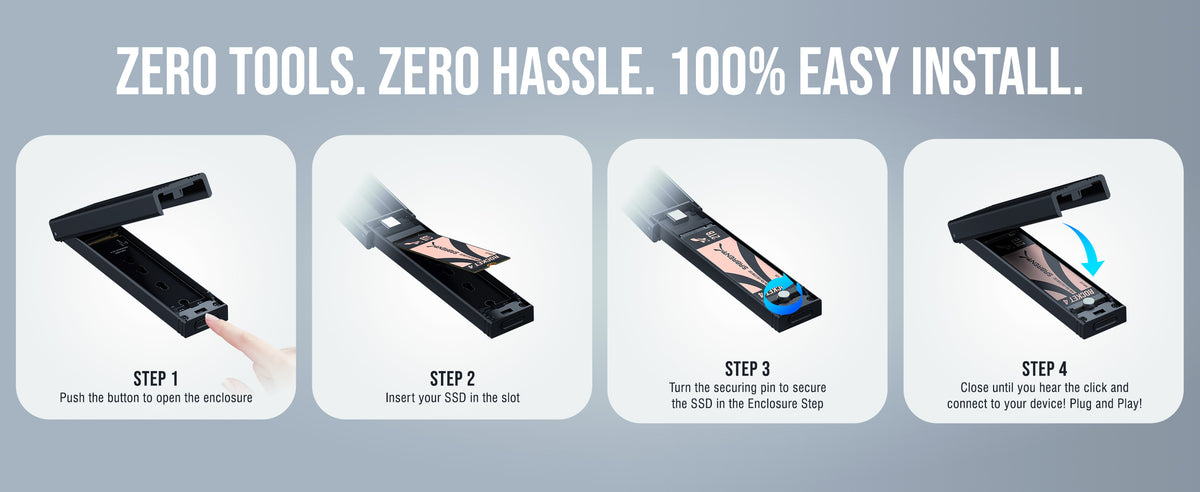
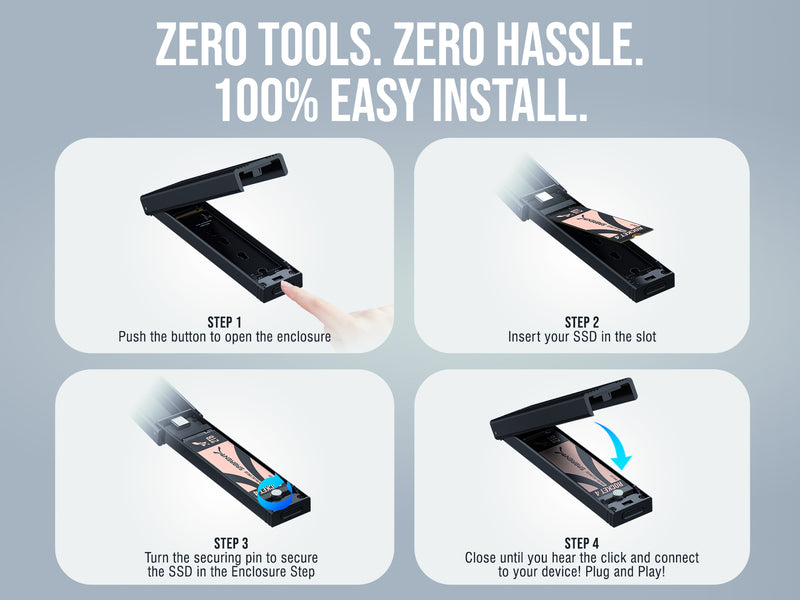
The instructions for adding the ssd to the holder didn't match the design of the container. The instructions said to put the rubber piece down to secure the drive in place, but my device had the latch, and all I did was turn it a little bit and the drive seemed to stay put. The cover closed and I was done. I plugged in the USB plug and was good to go. Had the instructions matched my design it would be a 5 star review.
very nice
Works great! No problems yet.
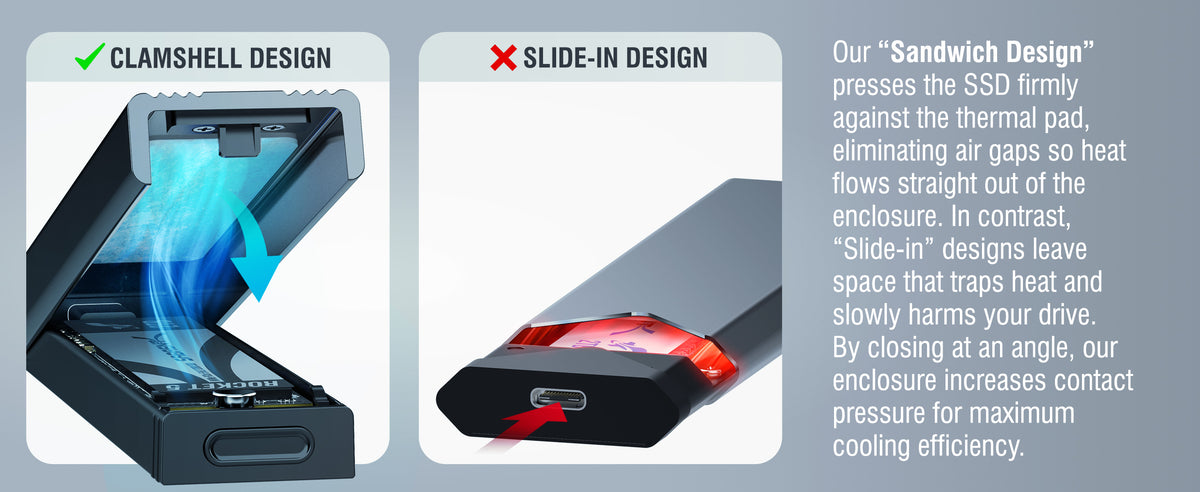
SSD overheating
Works great for recovering files from an NVME SSD.
High build quality and packaging, easy setup.
The instructions are outdated, formatting for windows and mac isn’t as described. Just format it as an XFAT drive instead of ntfs in disk utility or the equivalent in mac, both work.
I hope it will be ok after 10 months of use. Fingers crossed
works perfect
Bought a 2tb M.2 2280 hard drive from Crucial hoping this would work and it does. It comes with a usb-c to usb-c but I had an extra usb-c-usb that I use for it hooked to my iMac. Work perfect.
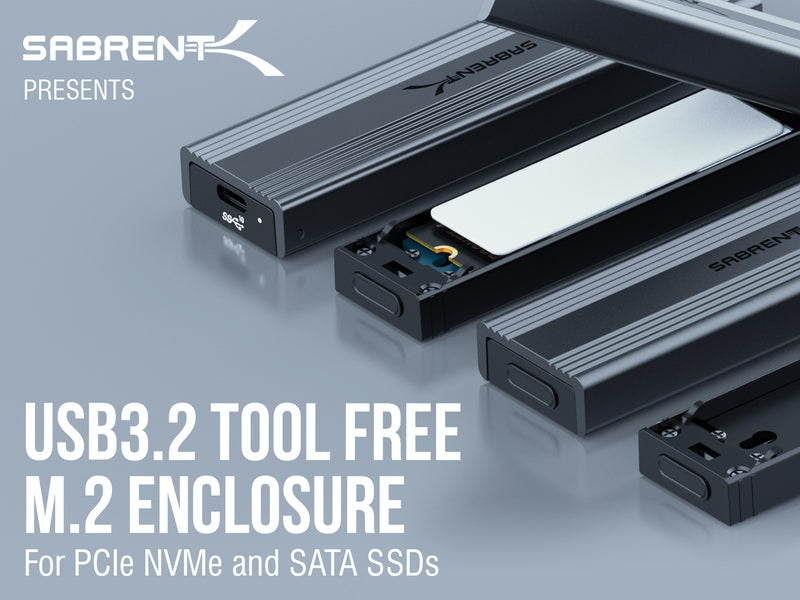
This is a small and beautiful anodized aluminum enclosure that feels really solid, like it was milled rather than cast. This is an enclosure and controller only, so I did not rate the storage capacity. No tools are required to install the NVMe Internal SSD; I installed one from another manufacturer in about 30 seconds, and voila! Instant 1 TB external drive that is really small.I also did not rate tech support. None was needed.I will probably buy another, and maybe some as Christmas presents.GT
Performed as expected, transferred around 45GB within 4 minutes and the product never heated up or failed. Will mainly be using this for extra storage and to move product if anything happens to fail I'll update my review.1TB - Samsung 970 EVO NVMe M.2256GB - Toshiba XG6 NVMe M.2
Not really much to say other than if you need an inexpensive NVMe enclosure and don't need the top of the line speeds that Thunderbolt 3/4 offers this is the one to get. I have two of them, one with a cheap DRAMless Crucial P2 and another with a Samsung 970 Evo and they perform pretty much as expected and don't get too hot. I don't think I've ever seen the Samsung 970 Evo throttle even when writing 500+ GB at a time. It stays about ~620 MB/s consistently.If you notice your drive going from a high speed (500 MB/s+) to something more like ~60 MB/s after a few dozen gigabytes, it's probably just your drive, not the enclosure. Cheaper drives lack a DRAM cache which basically helps the drive know where all of the files are going to be stored on it, and without this the drive struggles to figure out where to put what which makes the transfer speeds significantly lower. At first I thought the enclosure was broken since I first tried it with the DRAMless Crucial P2 drive and saw speeds plummet from 600+ MB/s to 50 MB/s very quickly, but once I tried the older Samsung 970 Evo drive I had I realized the actual problem was the fact that the cheap Crucial drive lacked DRAM.
Me gusta el diseño y funciona muy bien
Streamlined and slim but very well made.
This object is ultra compact, well matching needs
I was chasing my tail trying to figure out if my raspberry pi or cables were the issue. Maybe I needed to format my nvme drive via linux, rufus, or balene instead? Ended up buying another external enclosure and ultimately it was this sabrent enclosure that was the issue.
pequeño y ligero, lo reconoce la board b450m ds3h de gygabite, aunque el sistema operativo lo reconoce no lo añade automáticamente como un nuevo volumen, velocidad de lectura de 1900 MB/s y escritura de 2000 MB/S
Tool less design is the way to go. Works great.
Easy installation, fast SSD. Great for filmmakers, easy to use with cameras or recorder that take USB-C SSD. Professional quality.
Great write and speed. I was able to install and play games from it
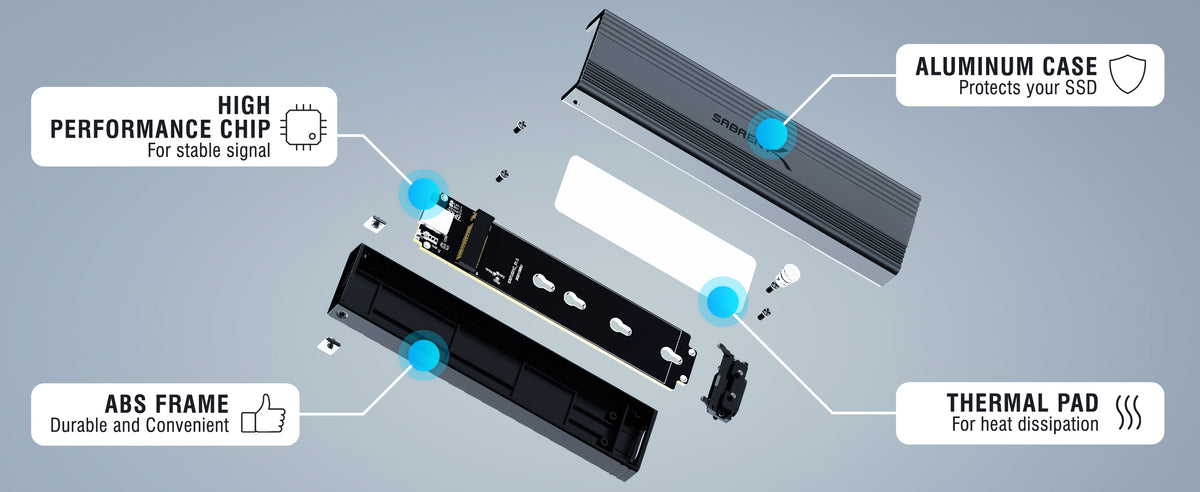
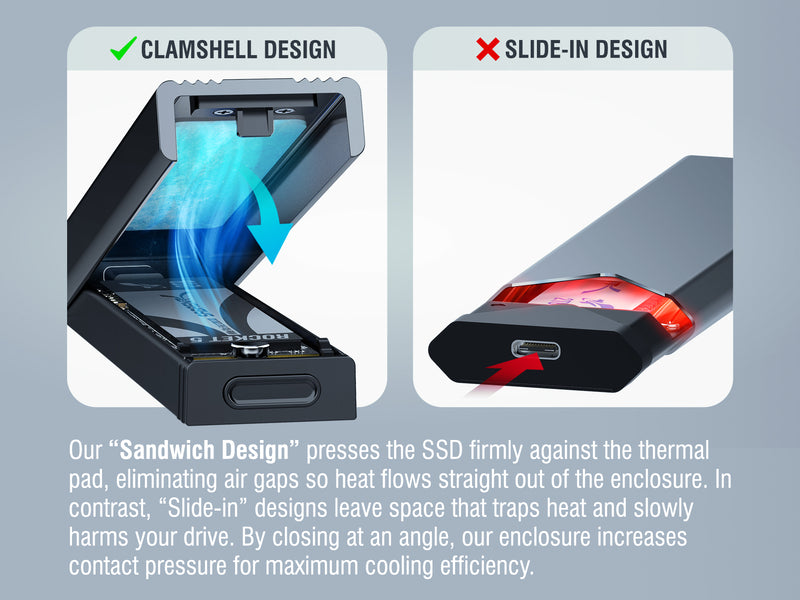
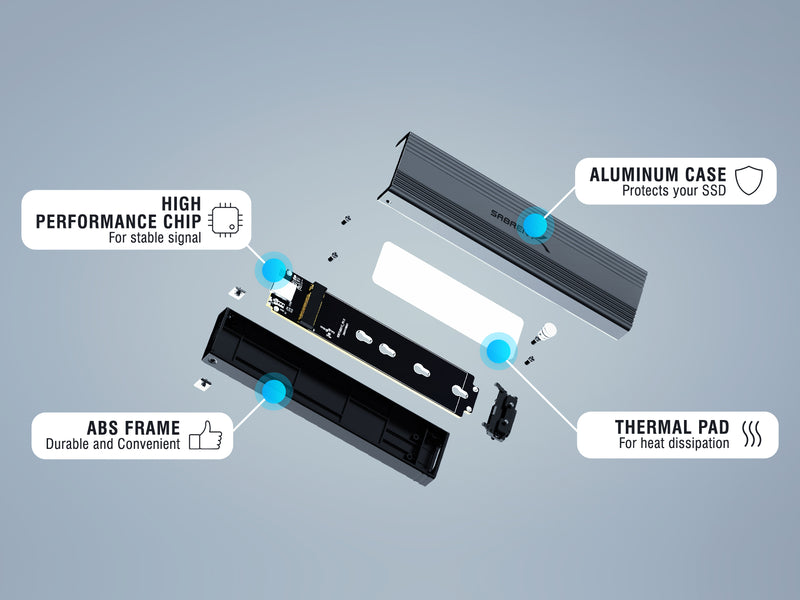
Great build quality. Metal heatsink and thermal pad to prevent SSD thermal throttling. Good included cable.
Good way to make a fast external drive and not spend a lot of money. I made a work drive for my free lance engineering / cad work.
Great M.2 Drive. Fast, nice amount of storage for the price. I've had this drive for quite some time now and no issues at all.
it is great but it heats up if you are transferring lots of data at the same time. it was about 115 degrees when I used it to transfer lots of pictures. but normal use it is great. I like the USB CRecommended